

Real app screens
Screenshots show map layers, Captain Brad, catch history, and offline prep instead of generic fishing art.
Power Prompts give Captain Brad guided starting points for first-trip setup, hidden diary patterns, saved spots, weather windows, hard-bottom scouting, and next-trip planning. Map layers support the answer, but the end-to-end AI workflow is the product demo.
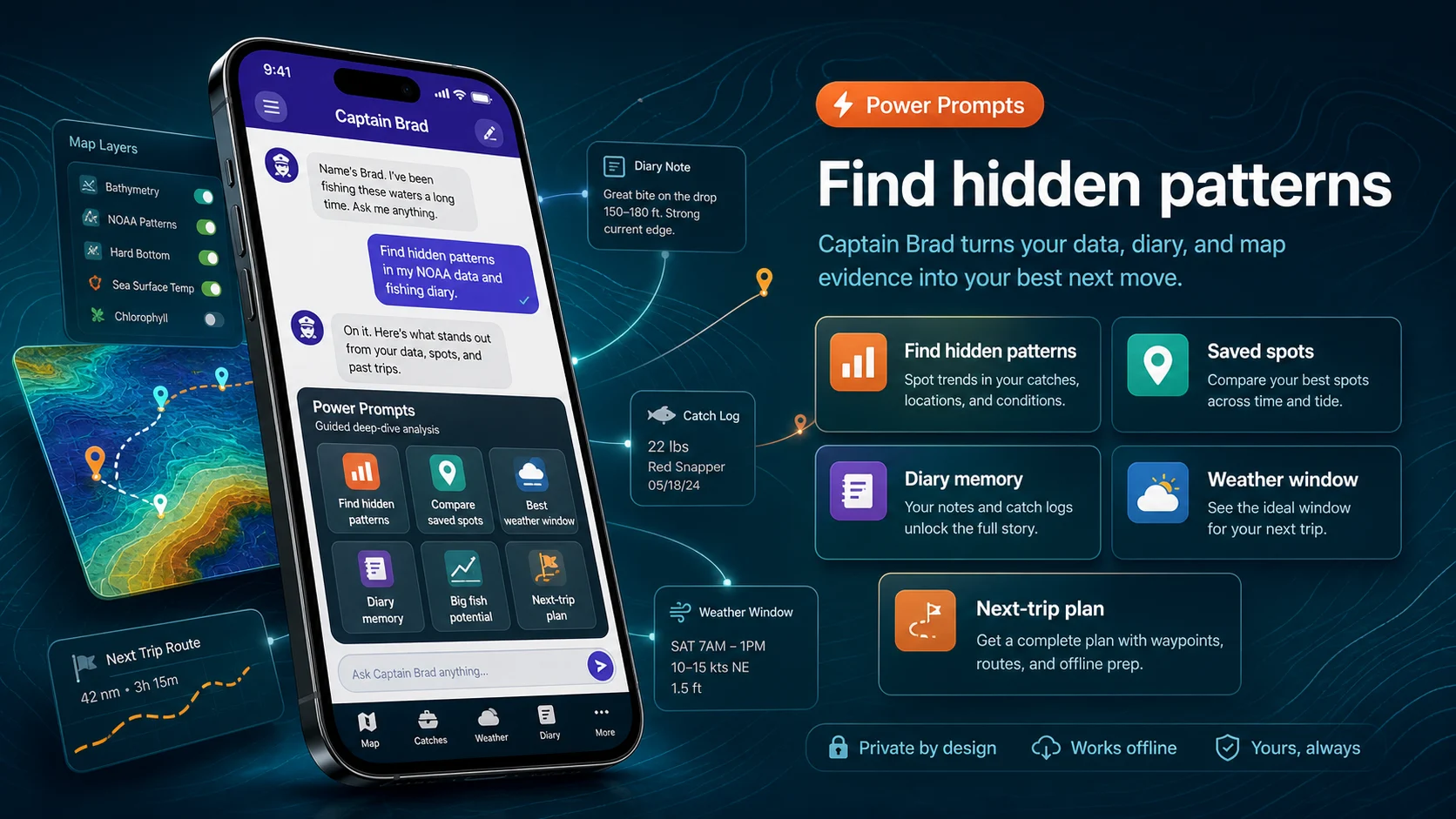
The walkthrough is intentionally grounded in real app screens. Visitors can inspect current store screenshots, reviews, and privacy details before choosing iPhone or Android.
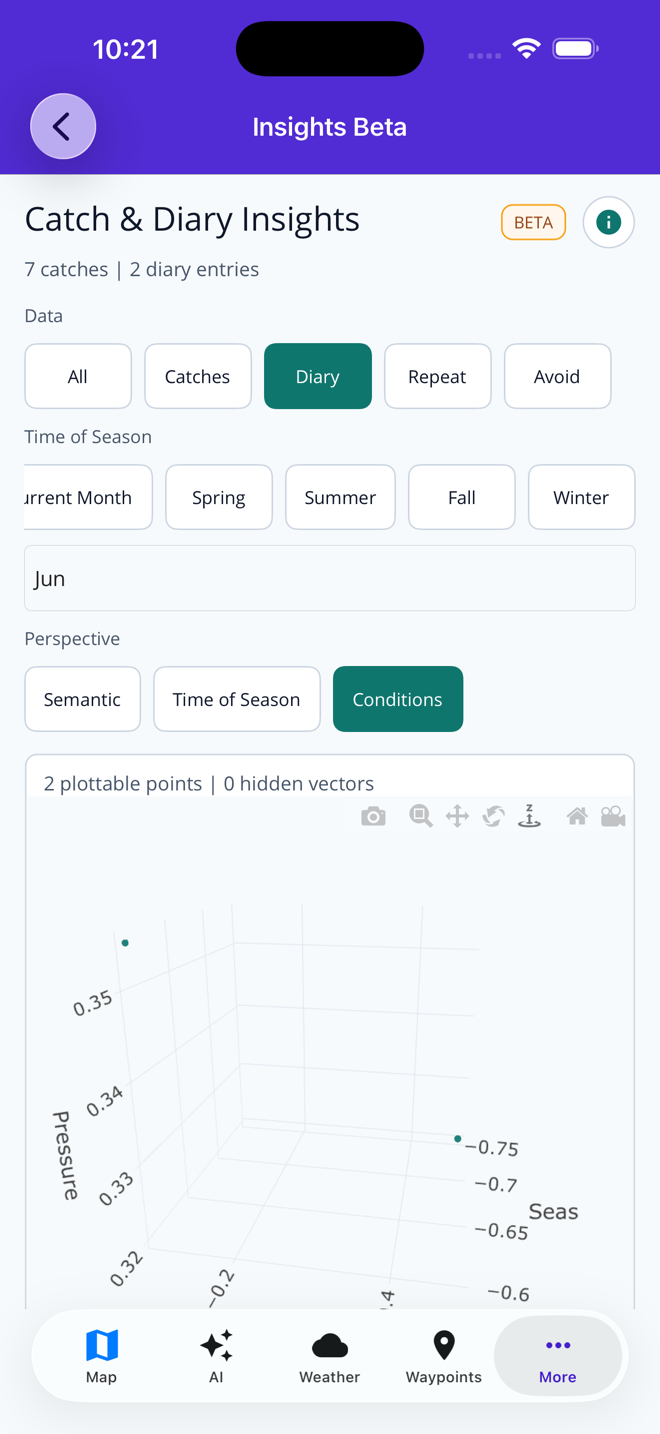
Screenshots show map layers, Captain Brad, catch history, and offline prep instead of generic fishing art.
App Store, Google Play, and Microsoft Store pages stay one click away for current screenshots, version details, privacy labels, and reviews.
Fish Fathom supports trip decisions and is not a substitute for required navigation, regulations, safety gear, or local judgment.
Fish Fathom is built around the decisions anglers make in order: choose a region, inspect structure, compare conditions, prepare offline, fish the plan, and review what happened. It is the same first-trip AI Fishing Planner story used in the App Store screenshots, expanded into a full web walkthrough.
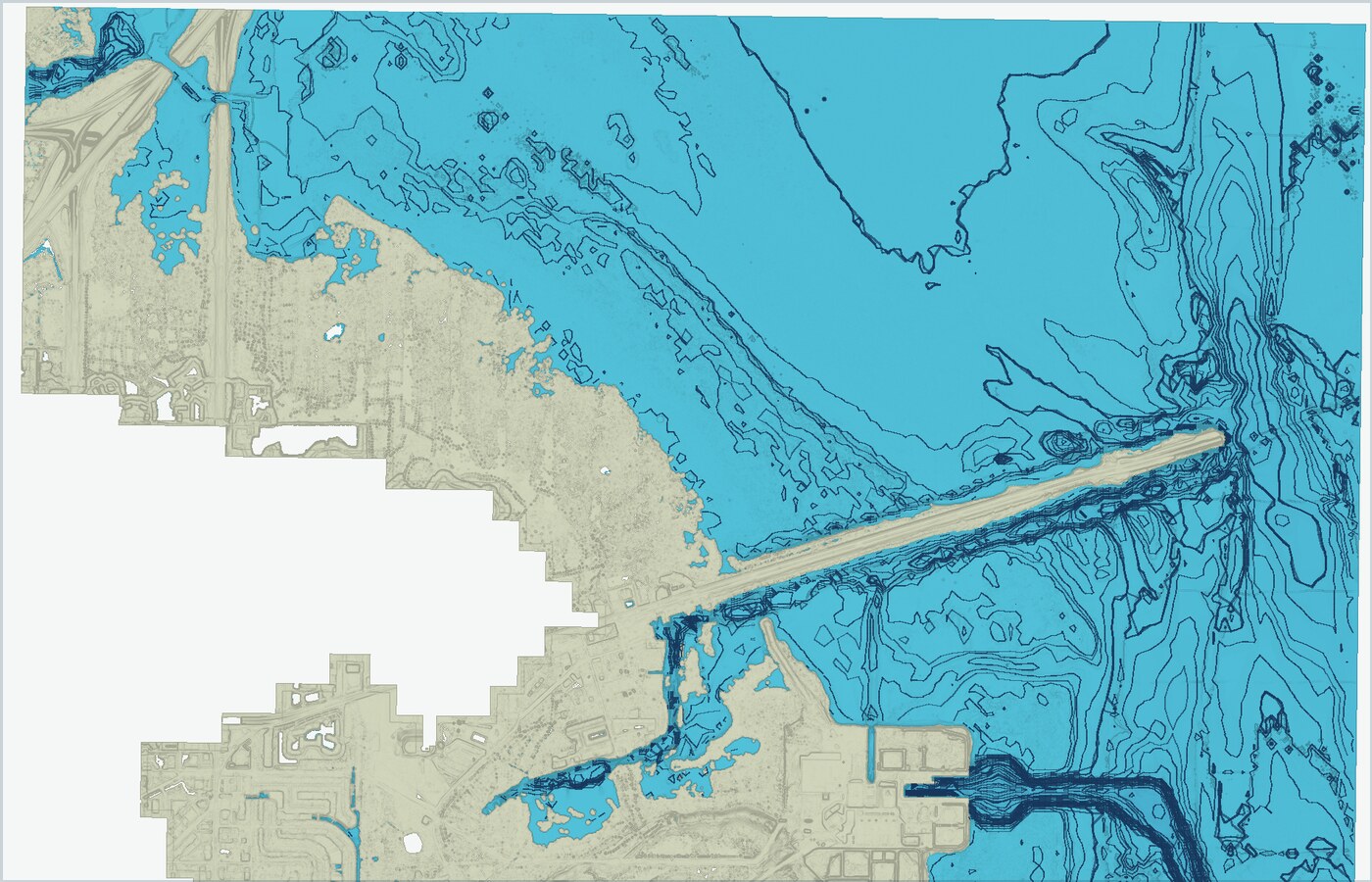
Start with bathymetry, relief, contours, bottom context, surveys, and commercial track patterns to narrow the water worth checking.
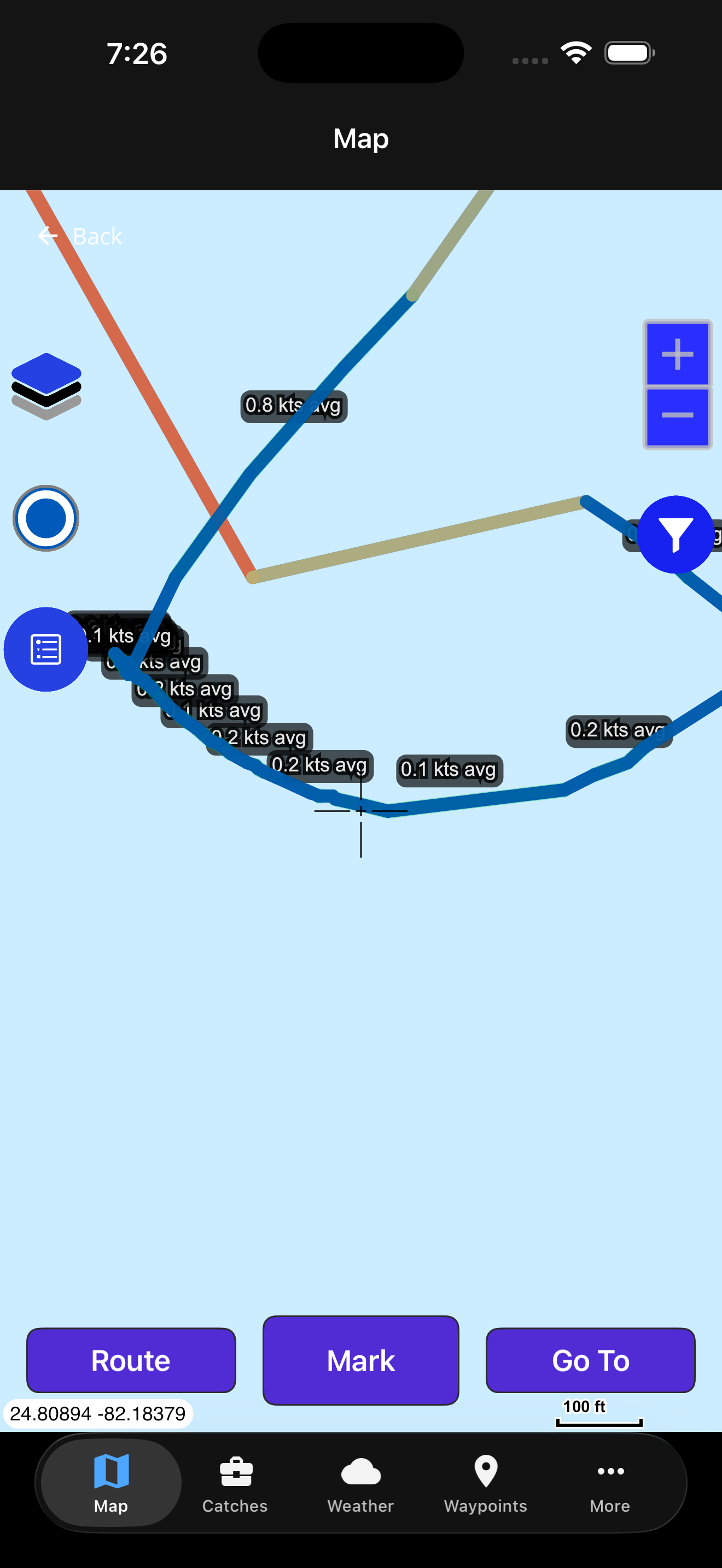
Layer in offshore conditions such as sea-surface temperature and recent context before committing fuel to a run.
Create waypoints, route options, tags, and notes that keep your plan organized without exposing private spots.
Prepare map areas and key context while service is available so the app remains useful offshore.
Capture catches, diary notes, weather observations, and trip context after the run while the details are fresh.
Use AI with your trip context to review patterns, refine species plans, and decide what to try next.
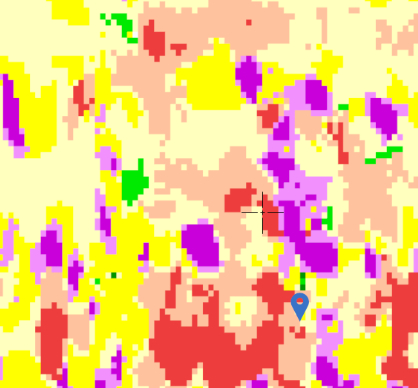
The map view brings together bathymetry, relief shading, contours, substrate clues, historical vessel behavior, NOAA survey context, and offshore conditions so planning starts with the actual water and bottom.
Captain Brad can help reason through species, timing, bait, weather, and your own private fishing diary. Catch logs and diary notes give the app context without turning your spots into public content.
Ask planning questions with weather-aware and fishing-specific context.
Save species, locations, notes, and conditions for future review.
Review private trip history to spot trends across timing and areas.
Use your fishing knowledge inside the app without publishing it.
Fish Fathom is designed for low-service water. Save waypoints, build routes, download map areas, and keep key trip context available when the cell network is no longer part of the plan.
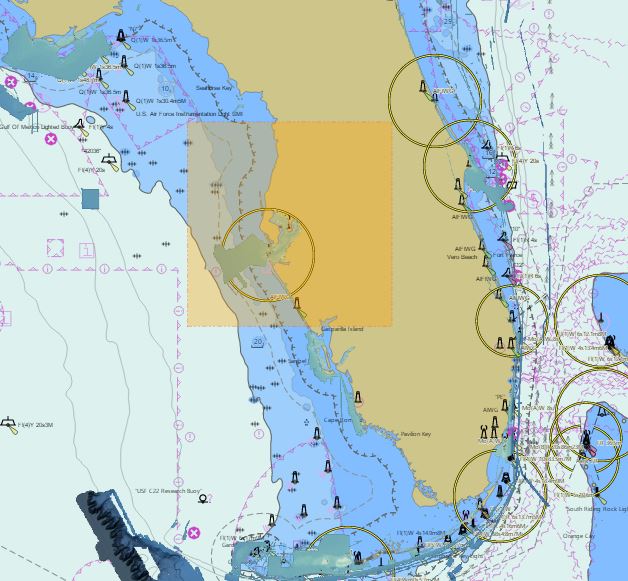
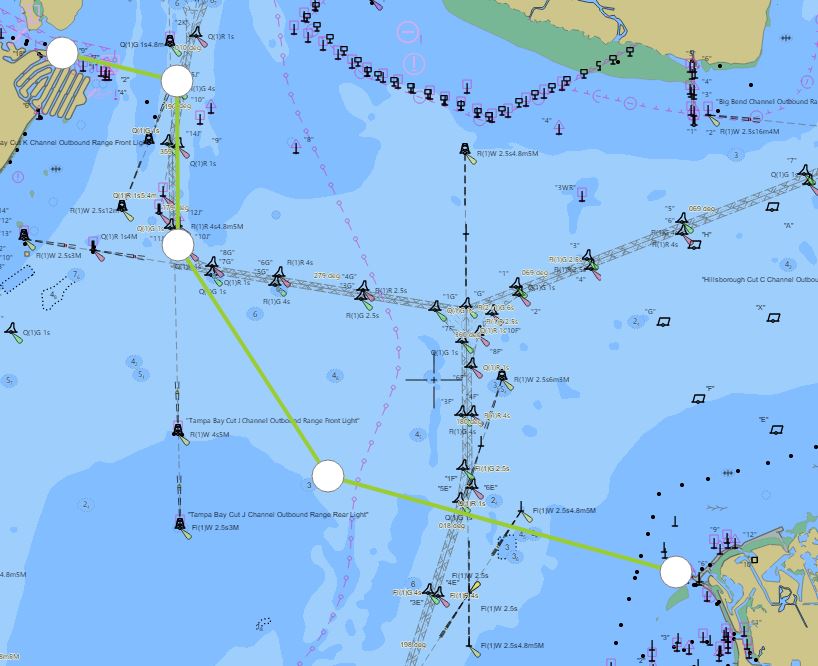
A product demo should show a real decision path. These entry points cover the most common ways anglers understand Fish Fathom quickly.
Show how wind, conditions, SST, and distance influence whether a run makes sense.
View weather windowsUse relief, contours, bathymetry, and bottom context to evaluate structure before burning fuel.
Find offshore ledgesDemonstrate saved marks, tags, filtering, and sharing workflows for serious trip prep.
View waypointsUse catch logs, diary entries, and AI pattern review to make the next trip sharper.
View pattern analysisThese focused guides expand the same workflow for anglers who want to see how Fish Fathom handles first setup, trip planning, weather decisions, offshore structure, regional examples, and Premium value.
Fish Fathom is for planning and personal knowledge. Saved spots, diary entries, routes, and catch notes are treated as private fishing context, not social content to be published for other anglers.
Spot PrivacyExplore for free, then upgrade for full-precision coordinates, offline downloads, advanced layers, weather-aware planning context, and unlimited Captain Brad use.